Music reactive lights for your bedroom
LED strip lights for a bedroom that dance with your playlist, glow softly when the music is quiet, and turn themselves on and off at the times you choose. They listen through their own microphone, so there is no app to keep open.
Where to put them
- Behind the bed or headboard: a strip pointing at the wall for a soft halo
- Along the ceiling edge: cove-style light that fills the room
- Around a mirror or shelf: a ring or short strip
- On the wall: a 16×16 matrix as a music visualiser
Party mode and quiet mode
Pick Follow the song in Presets and the lights change looks on every chorus and drop. For winding down, the ambient modes breathe slowly with soft music, and the noise gate on the Sound tab keeps them calm when the room is quiet.
Schedules and the button
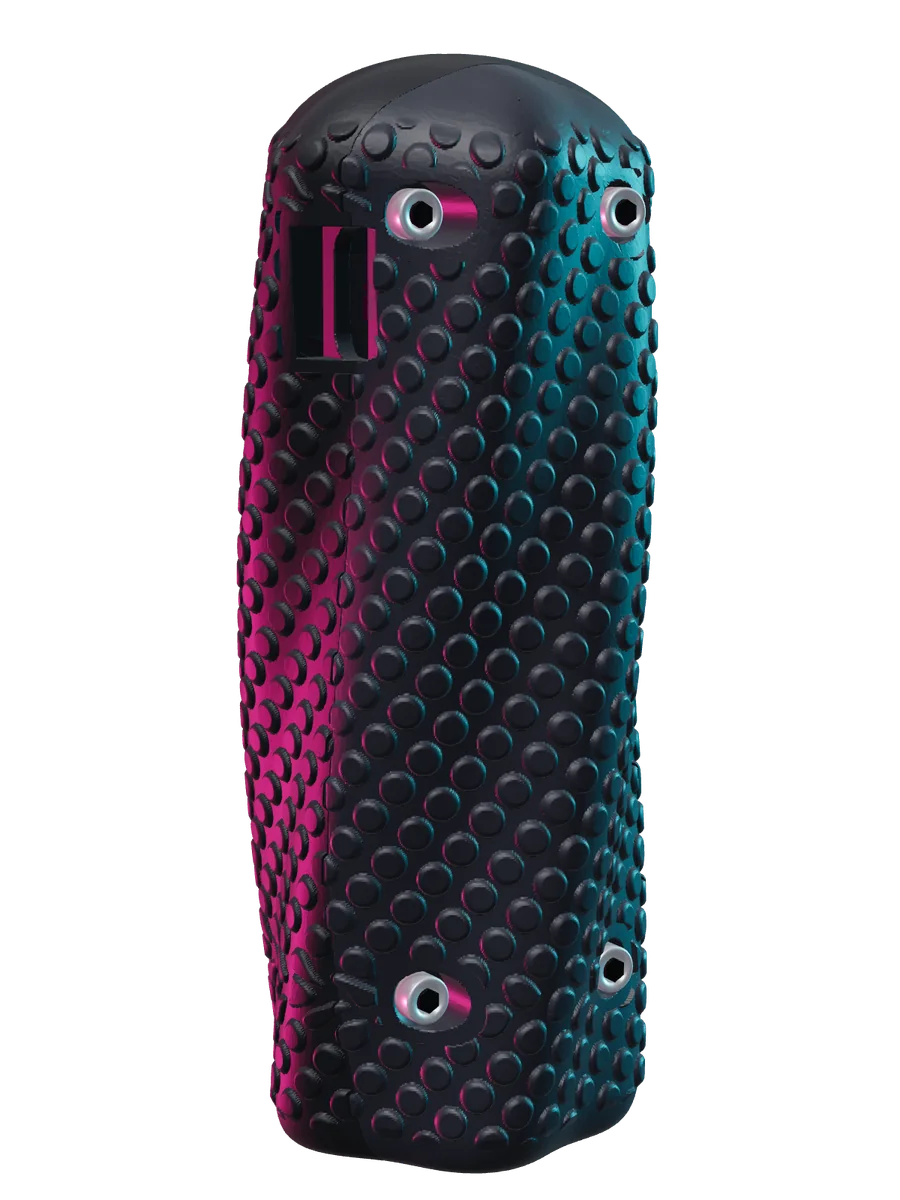
Set the lights to come on at sunset and switch off at bedtime. The button on the shell does the rest: press for the next preset, hold for on and off, no phone needed.
Setting it up
Plug the strip into the shell, switch on, join its Wi-Fi hotspot and open the app in your phone browser. Kit strips are ready to go; for your own strip, see the wiring guide.
How it compares
| Feature | Bedroom strip with an IR remote | AudioReactive |
|---|---|---|
| Music mode | Flashes with the volume | Beat, chords, melody, build-ups |
| Quiet music | Flickers or does nothing | Ambient modes that breathe with it |
| Schedules | Rarely | Yes |
| App | Download and account | Free, in the browser |
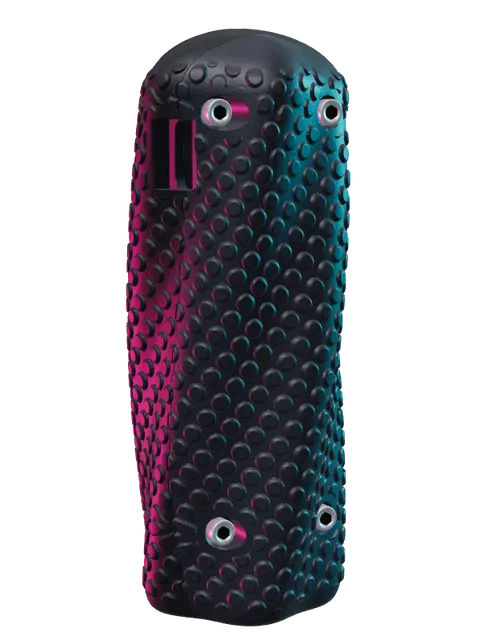 Seed Pod
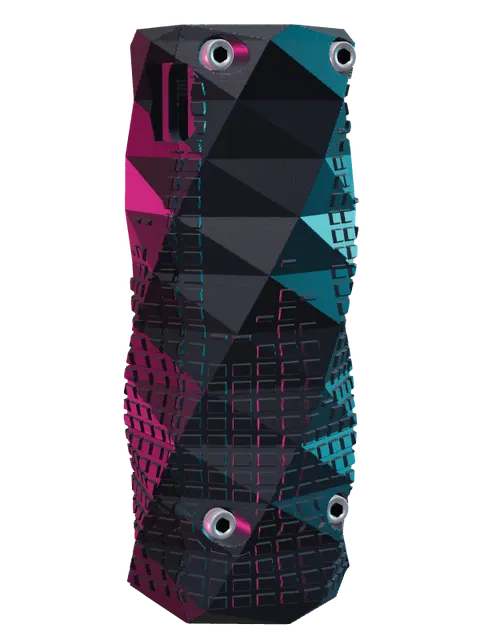 Faceted Twist
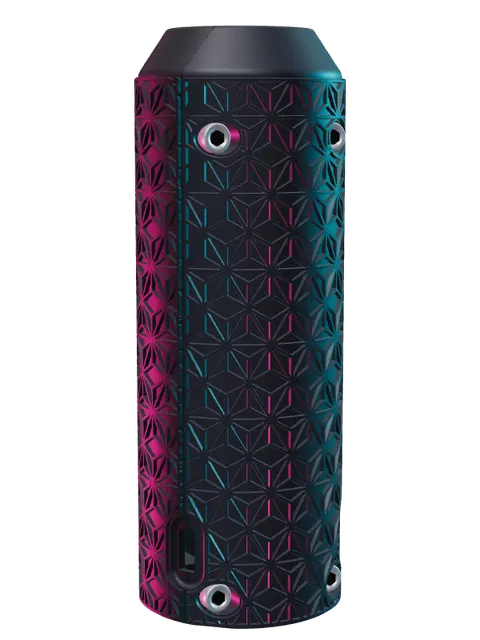 Round
Questions
Do I need to keep an app open?
No. The controller has its own microphone and does the listening. The app is only for choosing modes and colours, and it opens in a browser.
Will they flicker when the room is quiet?
No. The noise gate keeps them calm when nothing is playing, and the ambient modes glow gently with soft music.
Can they turn off at bedtime?
Yes. Set schedules to switch the lights on and off, or hold the button on the shell.
More in the support guides, or ask us.