A WS2812B controller with Wi-Fi, a free app and a microphone
Plug a WS2812B strip, ring or matrix into the shell, open the free app in your phone browser and pick from 418 modes. Every one of them can follow the music through the built-in microphone, and the controller speaks WLED, Home Assistant and Art-Net when you want more.
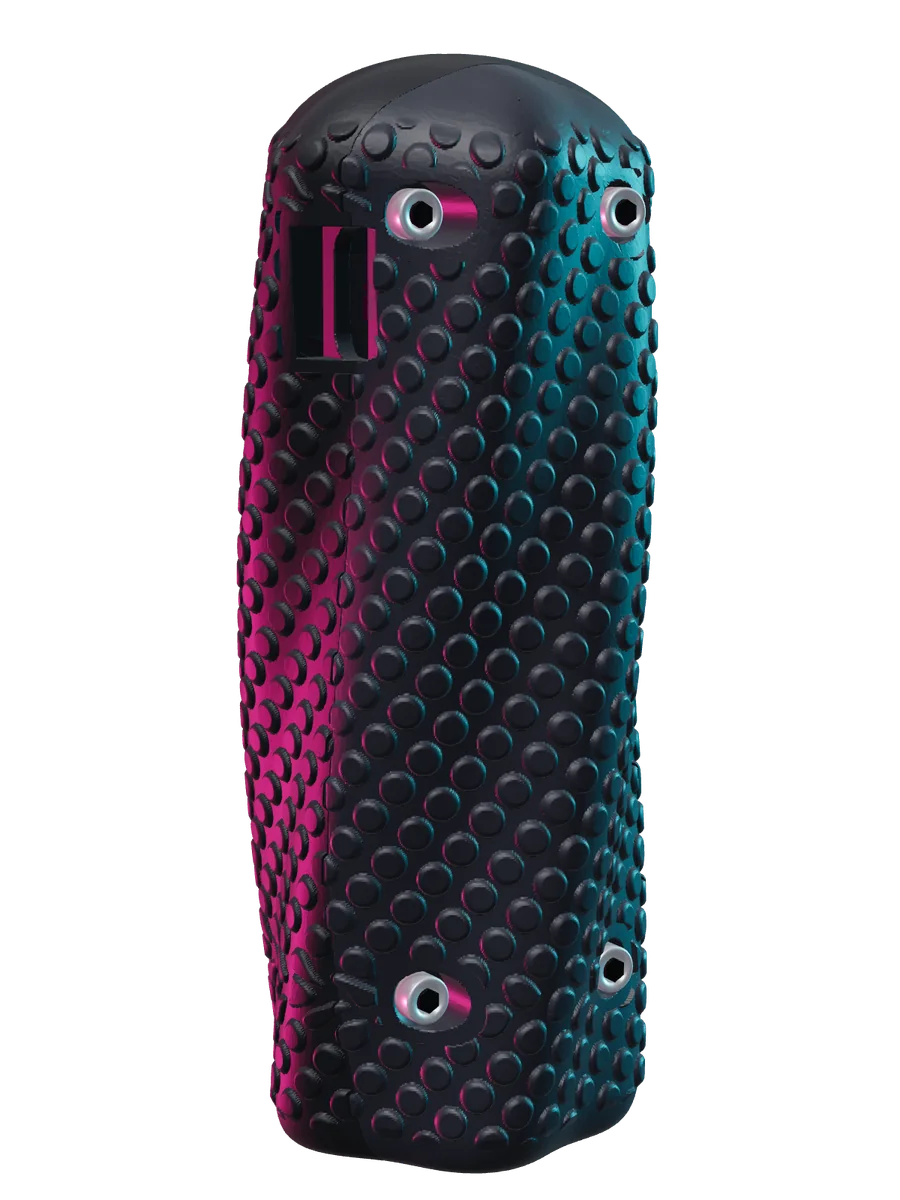
Made for WS2812B
- Data speed: 800 kHz, the WS2812B standard (also WS2813, WS2815 and SK6812)
- Colour order: GRB by default, the order almost every WS2812B uses; RGB, BRG and the rest are one tap away in Setup → LEDs
- Plug: JST PH 2.0 3-pin socket, 5 V, data and ground. Kit strips plug straight in
- Shapes: strip, ring or matrix, so modes draw along a line, around a circle or across a grid
What is WS2812B?
WS2812B is the most common addressable LED: a small 5050 LED with its own control chip, so every LED on the strip can show its own colour. Strips have three wires: 5 V, data in (DIN) and ground, and the data runs one way, following the arrows printed on the strip.
WS2812B vs WS2811
WS2812B has the chip inside every 5 V LED. WS2811 is a separate chip that usually drives a group of three LEDs on a 12 V strip, or one bulb on a pixel string, and many run at the slower 400 kHz. This controller drives both; see the WS2811 controller page.
A free app, a button, and the rest
- The app: served by the controller, opened in any browser. No account and nothing to install
- The button: next preset, previous preset, on and off, without a phone
- Wi-Fi: its own hotspot, or your home 2.4 GHz network
- Smart home: the WLED app and Home Assistant see it as a WLED light; MQTT too
- Pro: Art-Net, sACN and DDP from xLights, MADRIX or Resolume; OSC cues on port 8000
Music sync that hears more than volume
Most WS2812B music controllers flash with the volume. This one tracks the beat and tempo, the chords and key, the melody and the build-ups and drops, about 43 times a second, and any mode can follow any of them.
Wiring a WS2812B strip
Connect ground to ground and the strip's DIN to data. A short strip can run from the controller; a long one needs its own 5 V supply, with only data and ground going to the controller. Step by step in How to connect an LED controller to LED strip lights.
How it compares
| Feature | Typical inline WS2812B controller | AudioReactive |
|---|---|---|
| App | Bluetooth app download | Free, in the browser, served by the controller |
| Music | Phone mic or volume | Built-in mic: beat, chords, melody, drops |
| Modes | A few dozen | 418, each previewable live |
| Smart home | Rarely | WLED app, Home Assistant, MQTT |
| Pro control | No | Art-Net, sACN, DDP, OSC |
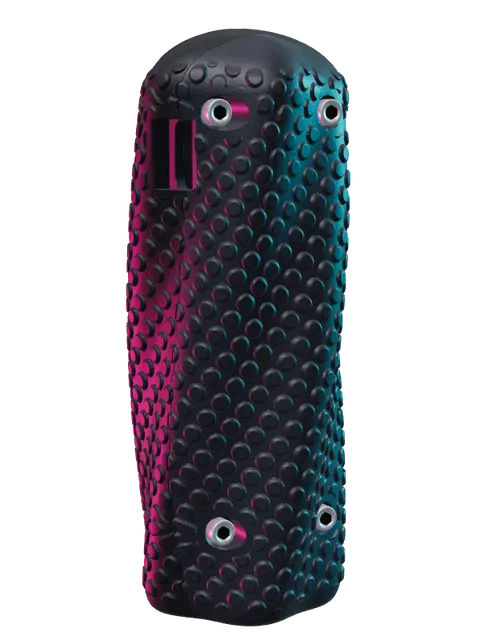 Seed Pod
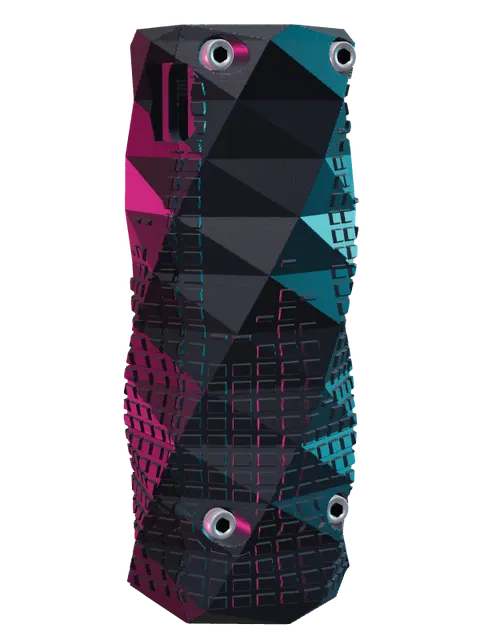 Faceted Twist
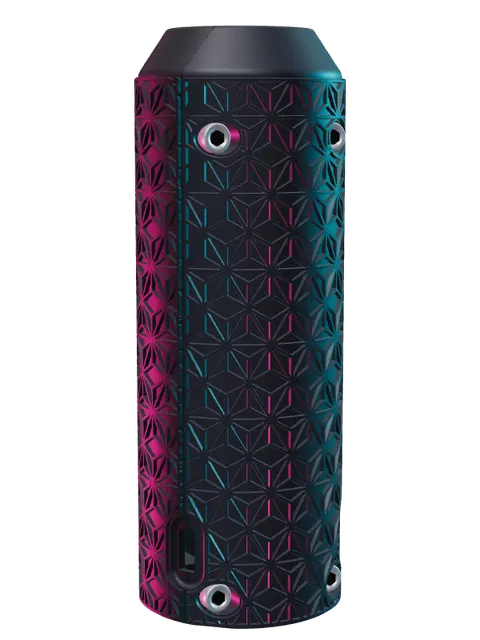 Round
Questions
What voltage does WS2812B need?
WS2812B runs at 5 V. Connect the strip's 5 V, data and ground to the controller's 3-pin socket, or power a long strip from its own 5 V supply and connect only data and ground.
What colour order does WS2812B use?
Almost always GRB, which is the default. If red and green look swapped, change the colour order in Setup → LEDs.
Is there a free WS2812B controller app?
Yes. The app is served by the controller itself: open it in any phone or laptop browser. No download, no account. The WLED app and Home Assistant work too.
Can it control a WS2812B matrix?
Yes. Choose the Matrix shape, set the width and height, and tick zig-zag wiring if every other row runs backwards. The 2D modes then draw across the grid.
How many WS2812B LEDs can it run?
Kit strips and matrices run from the controller as they are. Longer strips need their own 5 V supply with data and ground to the controller, and the power limit set to the supply's rating.
More in the support guides, or ask us.